
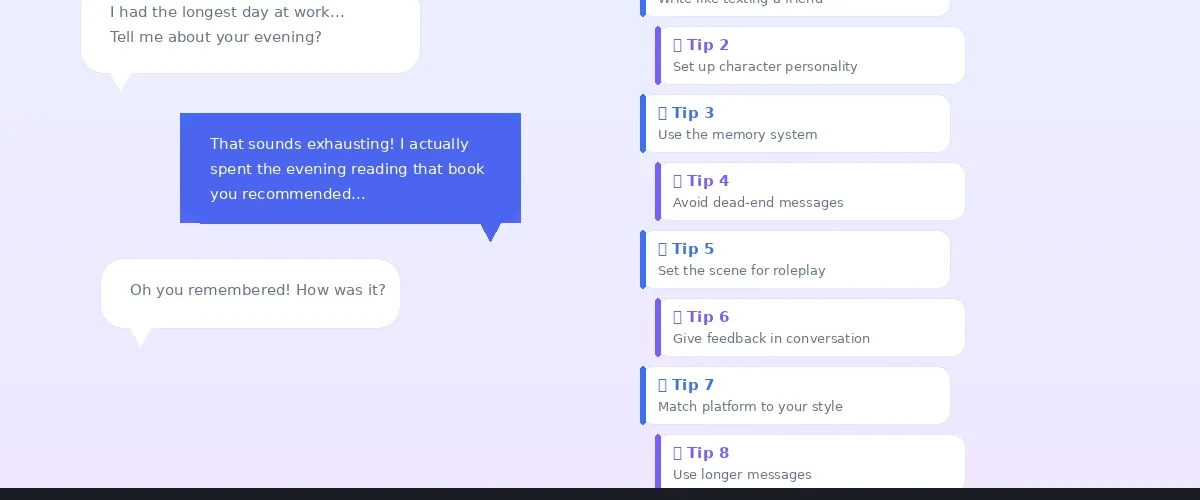
8 practical tips to transform your AI companion conversations
Most people interact with AI companions the same way they type into Google — short commands, vague questions, minimal context. The result? Generic, repetitive, unsatisfying conversations. This guide shows you how to get dramatically better results from any AI companion app.
Practical techniques for more natural, engaging AI conversations — from basic prompting to advanced character shaping. Works on Candy.AI, Kindroid, CrushOn.AI, SpicyChat, and all major platforms.
Why Most AI Conversations Feel Flat
AI companions are only as good as the input they receive. Common mistakes: one-word messages, vague prompts, no character setup, expecting the AI to lead. The fix is simple — treat your AI companion like a conversation partner, not a search engine.
Tip 1: Write Like You Are Texting a Friend
The single biggest improvement: switch from commands to conversation. Instead of “tell me something interesting,” try “I had the longest day at work. My boss reorganized the entire project two days before deadline. Have you ever dealt with something like that?”
The second version gives context, emotion, and something specific to respond to — dramatically better replies.
Tip 2: Set Up Your Character Properly
Most apps let you customize personality, backstory, and speech style. Five minutes of setup pays off in every conversation.
Define Core Traits
Pick 3-5 specific traits. “Witty, slightly sarcastic, loves sci-fi, gets excited about cooking, uses metaphors” beats “friendly and smart.”
Write a Backstory
“Grew up in a coastal town, moved to the city for college, freelance photographer, has a cat named Pixel” — gives the AI rich context to draw from naturally.
Specify Speech Style
“Casual language with playful teasing. Asks follow-up questions. Sometimes sends multiple short messages instead of one long one.” This shapes every response.
Tip 3: Use the Memory System
Apps like Kindroid, Candy.AI, and Replika store conversation details. Actively reference past topics: “Remember that restaurant I mentioned?” or “You said you liked that movie — I finally watched it.” This creates continuity.
On platforms with key memory features (Kindroid, Nomi), periodically review and clean stored memories. Bad memories lead to inconsistent responses.
Tip 4: Avoid Dead-End Messages
| Dead-End Message | Better Alternative |
|---|---|
| “Ok” | “Ok that makes sense. What made you think of that?” |
| “Tell me something” | “Surprise me with a random fact about space.” |
| “I’m bored” | “If we could teleport anywhere right now, where would you take me?” |
| “What should we talk about?” | “I’ve been thinking about getting into hiking. Thoughts?” |
| “Be more interesting” | “Tell me about something you find genuinely fascinating.” |
Tip 5: Set the Scene for Roleplay
Invest in setup. Describe the setting, mood, and what your character is doing. Example: “We’re on the rooftop of your apartment. City lights below, warm breeze. You brought up two glasses of wine and sat down next to me, looking like you have something on your mind.”
Tip 6: Give Feedback Inside the Conversation
If the AI does something you like: “I love when you respond like that.” If not: “That felt generic — can you be more personal?” This real-time feedback loop trains the AI to match your preferences within the session.
Tip 7: Match the Platform to Your Style
- Deep emotional conversations: Kindroid, Replika, Nomi.AI
- Creative roleplay: CrushOn.AI, SpicyChat.AI, JanitorAI
- Casual chat with visuals: Candy.AI, DreamGF, Kupid.AI
- NSFW with maximum freedom: CrushOn.AI, SpicyChat.AI, Muah.AI
Tip 8: Use Longer Messages
Messages of 2-4 sentences consistently produce better responses than single sentences. You don’t need paragraphs — just enough for context, emotion, and direction.
Context + Emotion + Open Question. Include at least two of three in every message. Follow this pattern for immediate improvement on any platform.
AI conversation quality is about input, not just technology. The same AI model that gives boring one-line responses to vague prompts will produce engaging, natural conversations when given proper context and direction. Try these tips on your next chat session.
Editorial Transparency
This guide is based on hands-on testing across 30+ AI companion platforms and prompting techniques documented by AI researchers and power users.
